The MPPSC Assistant Professor Admit Card is Out—Here’s What to Do Next
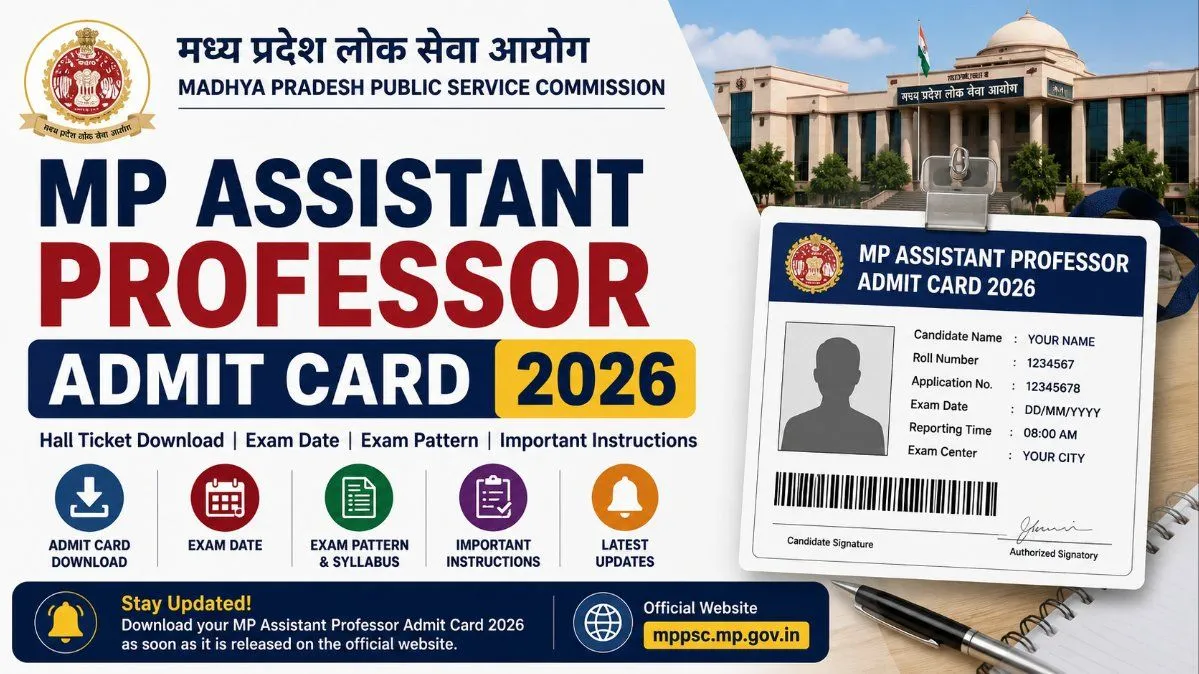
Your complete guide to the MPPSC Assistant Professor Admit Card. Learn how to download your hall ticket, verify your details, and prep for the exam.
Important Updates & Overview
How to Download Your MPPSC Assistant Professor Admit Card
- Fire Up the Right Browser: For government websites, it is usually best to use the latest version of Google Chrome or Mozilla Firefox on a desktop or laptop. Mobile browsers can sometimes struggle with PDF downloads or formatting on the MPPSC site.
- Visit the Official Portal: Head over to the official MPPSC website at mppsc.mp.gov.in. Make sure you are on the legitimate site and not a third-party educational portal.
- Locate the Admit Card Link: Look at the right side of the homepage or the primary navigation bar for a dedicated section labeled "Admit Card" or "Download Admit Card." You might also find a scrolling notification in the "What’s New" section. Click on the link specifically labeled for the MPPSC Assistant Professor Examination.
- Enter Your Credentials: You will be redirected to a login page. Here, you need to enter the exact Application Number you received when you first registered, along with your Date of Birth (which usually acts as your password) and a security captcha code.
- Submit and View: Hit the login or submit button. Your admit card should now be displayed on the screen.
- Download and Print: Look for the download icon (usually an arrow pointing downward) or a "Print" button. Save the file to your computer as a PDF. Immediately print out at least two copies. It is highly recommended to print it in color so that your photograph and signature are crystal clear for the invigilator.
What to Check on Your Hall Ticket
In case of Discrepancies
What to Carry to the Exam Hall
Final Thoughts
Frequently Asked QuestionsFAQs
Frequently asked questions
When exactly will the MPPSC Assistant Professor admit card be released?
The MPPSC typically releases admit cards about seven to ten days before the scheduled exam date. Because the Assistant Professor exams are broken up by subject clusters over several months, the release dates fluctuate. Keep a close eye on the official MPPSC notice board for the exact date corresponding to your subject.
What do I do if I forget my login password or application number?
Take a deep breath! On the admit card login page, you will see a link that says "Forgot Password" or "Know Your Application Number." Click on it, enter your registered email address or the mobile number you used during signup, and the system will send you an OTP or an email to help you recover your details.
Can I just show the PDF of the admit card on my phone?
Absolutely not. Exam centers are incredibly strict about this rule—you must carry a physical, printed copy of your admit card. Mobile phones and other electronic devices are completely banned inside the exam premises, so showing it on a screen at the gate won't work.
Is it mandatory to bring a color printout of the hall ticket?
While a crisp, high-quality black-and-white copy is generally accepted by invigilators, a color printout is highly recommended. It ensures your photograph and signature are clearly visible, which makes the manual verification process with your ID much faster on the morning of the exam.
I found a spelling mistake on my admit card. Will this be a problem?
Yes, it can cause issues if the details on your hall ticket don't perfectly match your government ID. If you spot an error—whether it's a typo in your name, a wrong category, or a blurry photo—contact the MPPSC helpdesk immediately to get it resolved before exam day.
Comments
Join the conversation
A short response is enough. We’ll review it before it appears on the site.